
Hekana guides2 min read
What is Hekana Flow, and how to make your store run itself
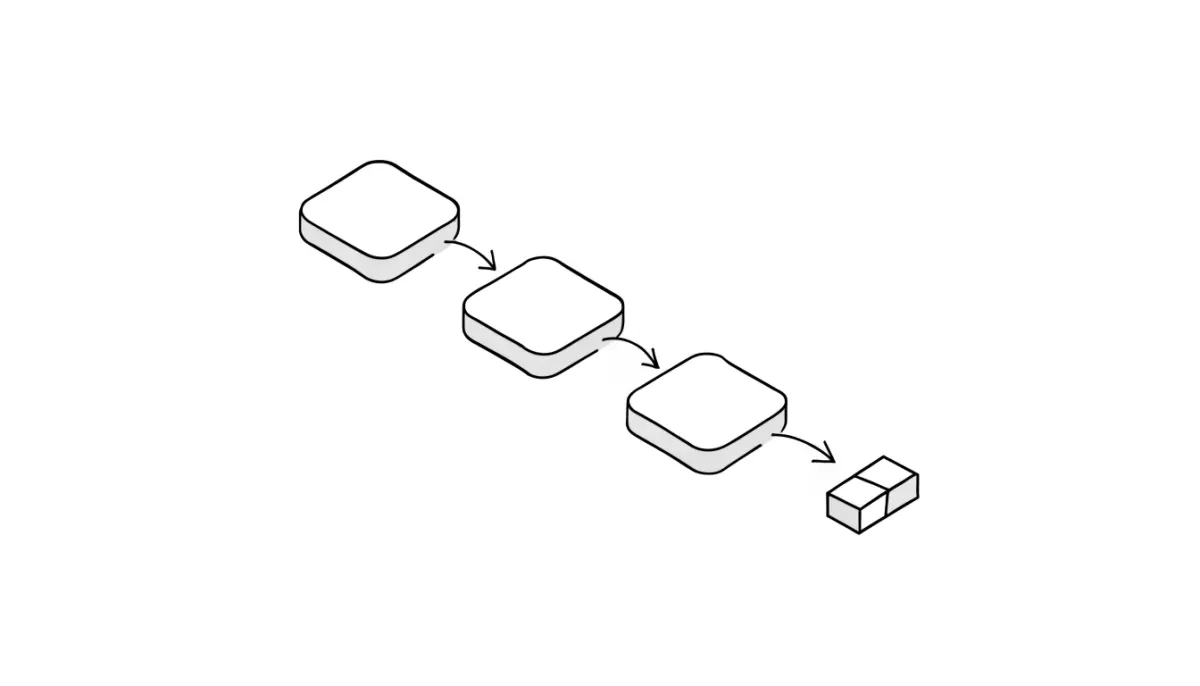
Hekana Flow connects something that happens in your store to something that gets done automatically — a WhatsApp message, a coupon, a stock alert — with no code.
Hekana guides
What Hekana apps are, where the App Store is in your dashboard, how to install, turn off and uninstall an app, and how free, pay-per-use and monthly apps are billed.
4 min read
A Hekana app adds one capability to your store without you building anything: email campaigns, automations, marketing images, selling through AI assistants. You install it from your dashboard in one click, set it up, and turn it off or remove it whenever you want.
This guide covers the part that is the same for every app: where to find them, what installing does, what it costs, and how to manage what you installed.
The apps in the Hekana App Store are built by Hekana. They run inside your store and your dashboard, so there is no code to paste and no account on another site to connect.
An app can be:
Every charge is in EGP and comes out of your store wallet. The price is shown on the app's card before you install, so there is nothing to discover later.
In the dashboard sidebar, open Apps. The page is called Hekana App Store.
Apps you have already installed are listed under Installed apps.
On the app's page the status shows On or Off.
If you only want a break, turn it off. Uninstall when you are sure, because the settings go with it.
Some apps are marked Running on your store by default. They are already part of the store and have nothing to install.
If your wallet is empty, usage-based and monthly apps cannot charge, so keep an eye on the balance if you use them.
Some apps also depend on your Hekana plan. If an app needs a plan you do not have, you will see an upgrade prompt where Install would be. See the plans and prices.
If an app shows Not available, it cannot be installed yet. Nothing is wrong with your account.
Do apps cost anything to install? Installing is free for the apps that are free or pay-per-use. Monthly apps show their price before you install.
Will I lose my data if I uninstall an app? The app stops and its settings are removed. Your products, orders and customers are not part of the app and are not touched. You can install the app again later.
Where do I see what I am paying for? Each app's page shows its pricing, and every charge comes out of your store wallet.
Can other developers build apps for Hekana? Yes, in early access. See how to build apps and themes for Hekana.
I do not have a store yet. Start free with the guide to starting an online store in Egypt.
Hekana guides2 min read
Hekana Flow connects something that happens in your store to something that gets done automatically — a WhatsApp message, a coupon, a stock alert — with no code.
Hekana guides4 min read
How Hekana Messaging works: the free monthly email allowance on each plan, extra emails at 100 EGP per 1,000, discount-code campaigns to customer segments, and cart reminders.
Hekana guides5 min read
Set up the Agentic Commerce app on Hekana: the AI shopper chat on your store, what assistants may do, the 199 EGP monthly price, which plans include it, and how to read the results.
Start your store now — free, no credit card