Hekana guides
What is Hekana Flow, and how to make your store run itself
Hekana Flow connects something that happens in your store to something that gets done automatically — a WhatsApp message, a coupon, a stock alert — with no code.
2 min read
Most merchants spend half their day on work that repeats: confirming cash orders, messaging people who abandoned a cart, checking which product is about to run out. Hekana Flow takes that work off you.
The idea in one line
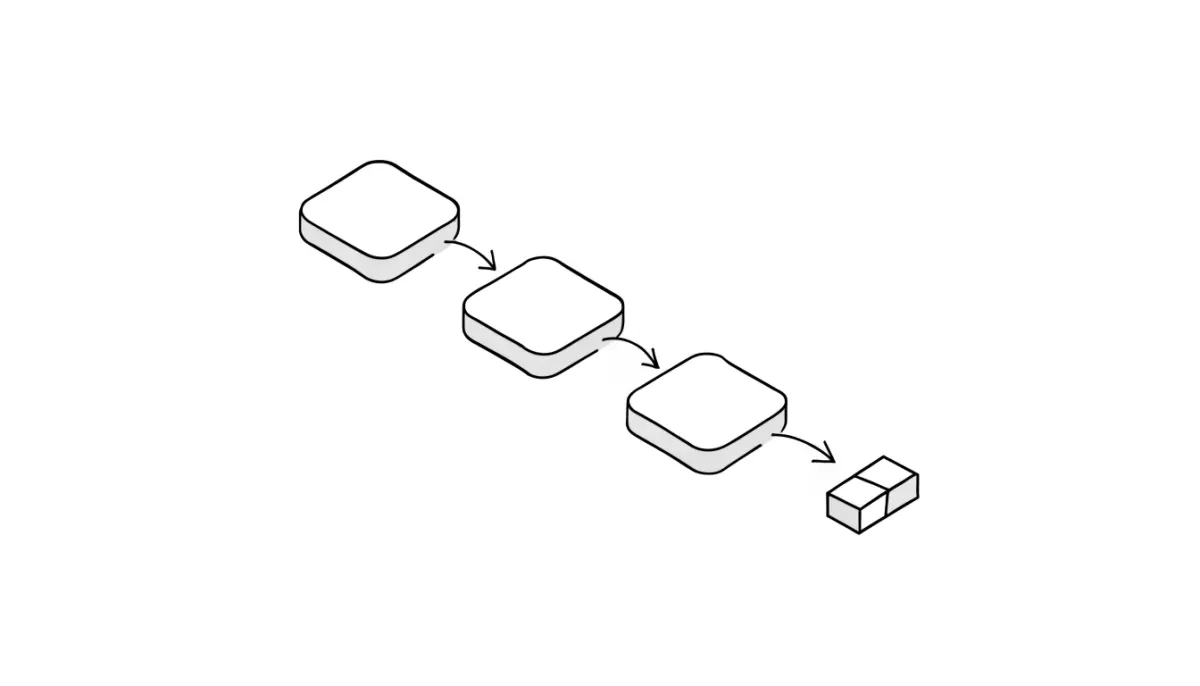
Every flow is a single sentence: "when this happens, do that." The first half is a trigger, the second is an action. You connect them on a canvas with your mouse. That is the whole model.
What can start a flow
- A new order, or an order that just got paid
- An order changing state — confirmed, shipped, delivered
- A customer abandoning their cart
- A new review landing on a product
- A product running low on stock
- A fixed schedule — every day at 9am, say
- A webhook from any system outside Hekana
What a flow can do
- Send the customer a WhatsApp message or an email
- Create a discount coupon and send it
- Adjust stock
- Write a note on the order
- Notify you or your team inside the dashboard
- Change the order state — confirm it, ship it, record the cash as collected
- Send a webhook to any other system
Three flows to start with
First: cart abandoned → wait an hour → send a WhatsApp with a 5% coupon. This recovers orders you were genuinely losing, and it is the easiest one to begin with.
Second: new cash-on-delivery order → confirm it automatically → send the customer a confirmation. Instead of confirming every order by hand.
Third: product running low → notify your team in the dashboard. So you never learn a product sold out from an annoyed customer.
Test it before it touches a real customer
There is a test-run button that walks the flow without sending anything to anyone and without changing any data. It shows you what each step would have done. Use it every time before switching a new flow on.
Already on n8n or Zapier? Connect them
You do not have to abandon the tools you already run. Any flow can send a webhook out, and any outside system can start a flow in your store. So Hekana connects to n8n, Zapier, Make, or anything else that speaks HTTP.
Where to start
Open your dashboard → Apps → Hekana Flow. Start with the abandoned-cart flow, test-run it, then switch it on. Your first flow takes five minutes.