Marketing
How to set up a product page so the visitor completes the order
A practical checklist of what customers look for on a product page: photos, name, price, shipping, returns, and how to review it from your phone.
4 min read
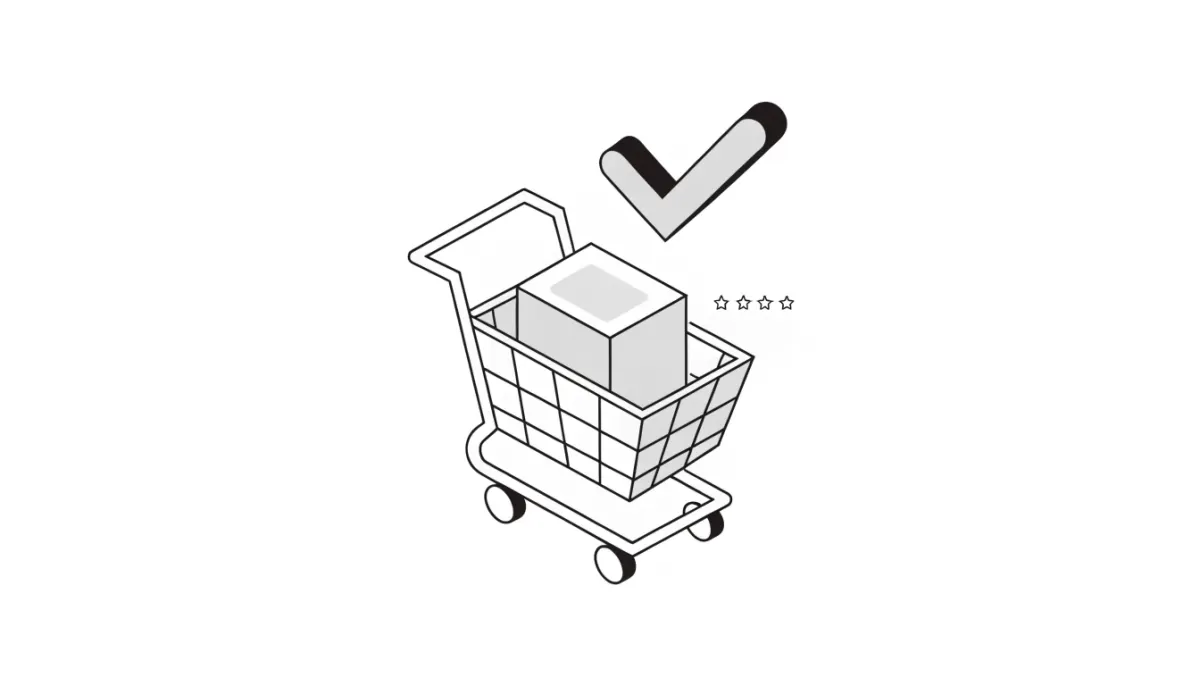
A visitor who reaches a product page has one question: "Is this the product I want, and how will it reach me?" A good product page answers that without the customer having to message you. This guide is a checklist for reviewing every product page you have.
There are no conversion-rate numbers here, because results differ from store to store. What you get is things you can review yourself and measure in your own store.
1. Photos
- Real photos of the product, from more than one angle. The customer cannot touch the product, so the photo does the talking.
- In Hekana the first image is the product's main image, so put your clearest photo first.
- If the product comes in colours, show each one. For clothing or shoes, add a size chart (you can add a size chart to a product).
2. Name and description
- A clear name that says exactly what the product is.
- A description that answers the questions you keep getting on WhatsApp: material, size in numbers, use, and what is in the box.
- Short paragraphs, and bullet points for specifications.
See also e-commerce SEO basics.
3. Price
- A clear price with no surprises.
- If you have a discount, enter the Compare at Price in the dashboard so it appears crossed out next to the current price. And keep the discount real: a discount with no reason hurts more than it helps.
4. Shipping and payment
- A customer wants to know the shipping price before the last step. Set your prices in the shipping settings: how to set the shipping price.
- Make the available payment methods clear. If cash on delivery is available, say so. (See the cash on delivery guide.)
5. Returns
A customer who is unsure of a product needs to know what happens if it does not suit them. Write a clear returns policy that is easy to find. The returns policy guide helps you write one.
6. Stock and options
- If a choice has run out, let it show that it has. In Hekana, when a choice reaches 0 it shows Sold out and nobody can order it, unless you turned on Continue selling when out of stock for pre-orders.
- Do not enable pre-orders unless you can commit to delivery.
7. Reviews
If you have real reviews from customers who actually bought, keep them visible. Do not write reviews yourself. Hekana has a reviews feature if you want to see how it looks.
8. Mobile
Many visitors may open your store on their phones. Open the product page on your phone and look at it as the customer does: do the images load quickly? Is the price visible without much scrolling? Is the add-to-cart button easy to tap? If you are not sure, ask someone to try and complete an order while you watch.
Quick review checklist
- A clear main photo, plus photos from other angles
- A name that describes the product, and a description with size and material in numbers
- A clear price, and a real discount if there is one
- The shipping price known before the last step
- Payment methods clear
- A returns policy that is easy to find
- Choices that have run out show Sold out
- You tried the page from your phone
Frequently asked questions
Where do I add the compare-at price?
On the product page in the dashboard, in the Compare at Price field. It appears crossed out next to the current price.
Which image is the main one?
The first image.
The product comes in more than one size. What do I do?
Turn on This product has multiple options and add the option (such as Size) and its values. After saving you can set stock for each choice.
A choice has run out. Will the customer know?
Yes. When it reaches 0 it shows Sold out and nobody can order it, unless you turned on continuing to sell after stock runs out.
Can I prepare a product without publishing it?
Yes, save it as a draft until you have reviewed it.
Next
If you are still preparing your products, see adding your first product step by step. If visitors are few, SEO basics and marketing on Instagram and TikTok will help you reach them.